 CLICKPOINT · AGENTS
Insta360 X5 Virtual Tour Bundle
The current front-runner for agents who want one portable camera for interactive tours, 360° listing video, and reusable marketing content. The official bundle includes the camera, an invisible selfie stick, and a tripod.
Use ClickPoint affiliate code INRSGWY3FF8 at checkout.
New: Insta360 Luna Pro for listing video
Luna Pro is Insta360’s new gimbal camera, launched September 10, 2026. It is a candidate for conventional property walkthrough videos, agent introductions, and social clips—not a replacement for a 360° camera and compatible software when you need an interactive virtual tour.
Not yet field-tested by ClickPoint. Before recommending it from experience, we want to evaluate room-to-room exposure, handheld movement, spoken audio, and the time needed to turn a listing shoot into usable clips.
Explore Luna Pro on Insta360’s official site
This is an ordinary product link, not a tracked ClickPoint affiliate link. When shopping, confirm Luna Pro, your country, and the bundle contents before buying. Current specifications, pricing, and availability are shown by Insta360.
Build the field kit around the way you work
These are practical additions for listing video, agent education, property walkthroughs, and social content—not a random wall of gadgets.
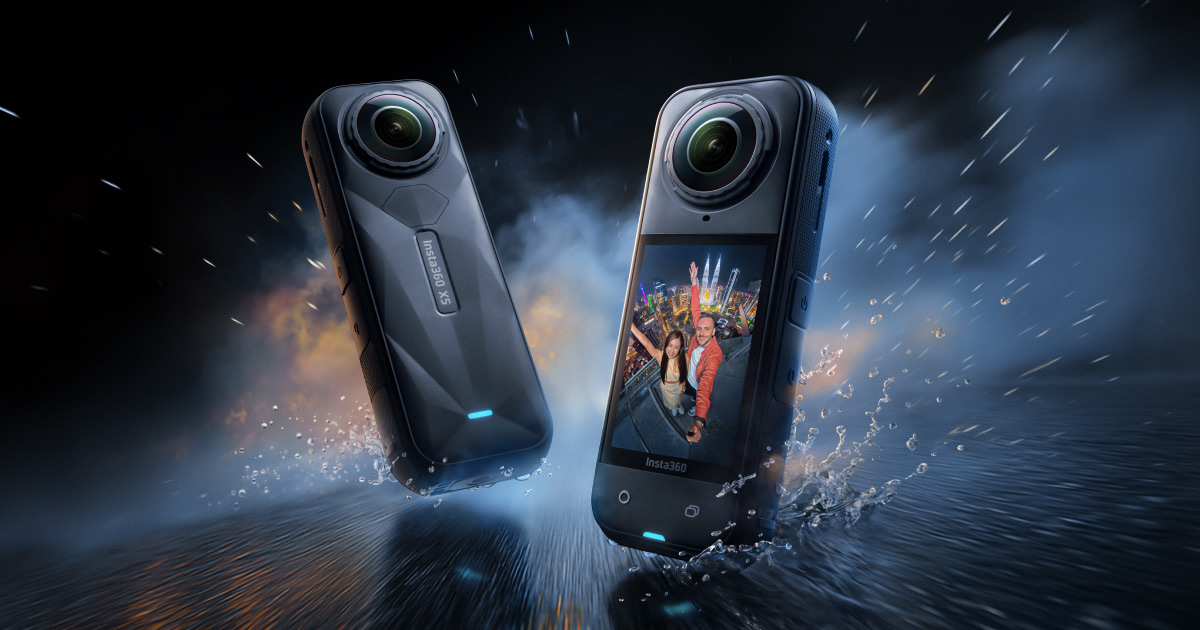 360 CAMERAInsta360 X5
For agents who want the flagship camera without the prebuilt virtual-tour accessory bundle.
View X5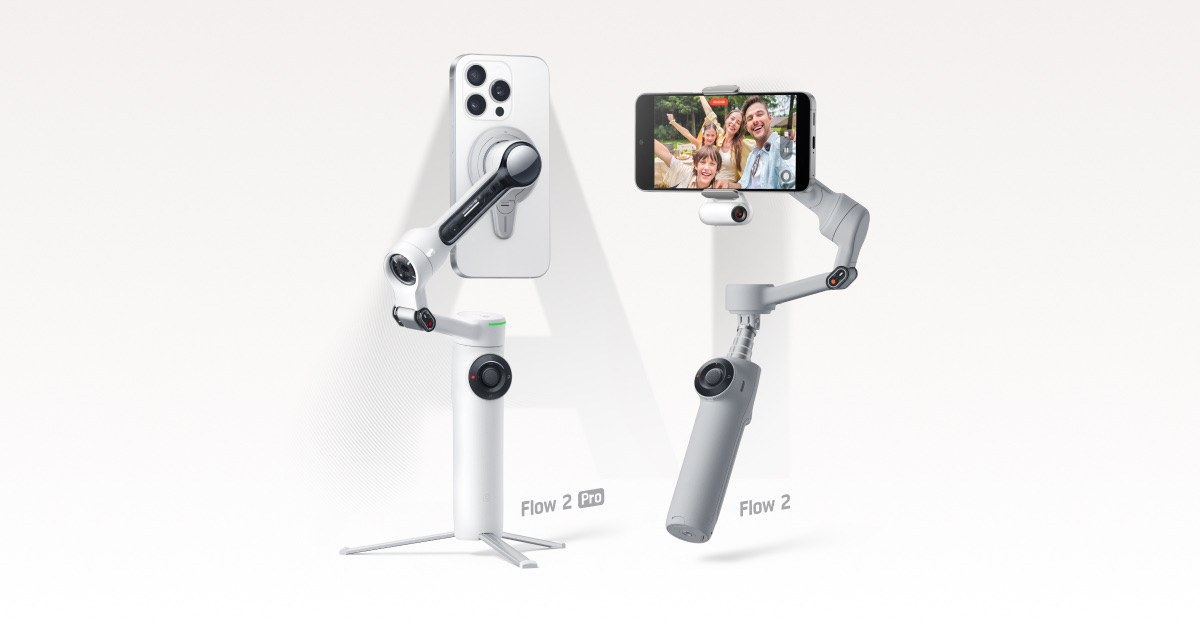 PHONE WALKTHROUGHSFlow 2 Series
For smoother listing walkthroughs and social video when your phone is the camera.
View Flow 2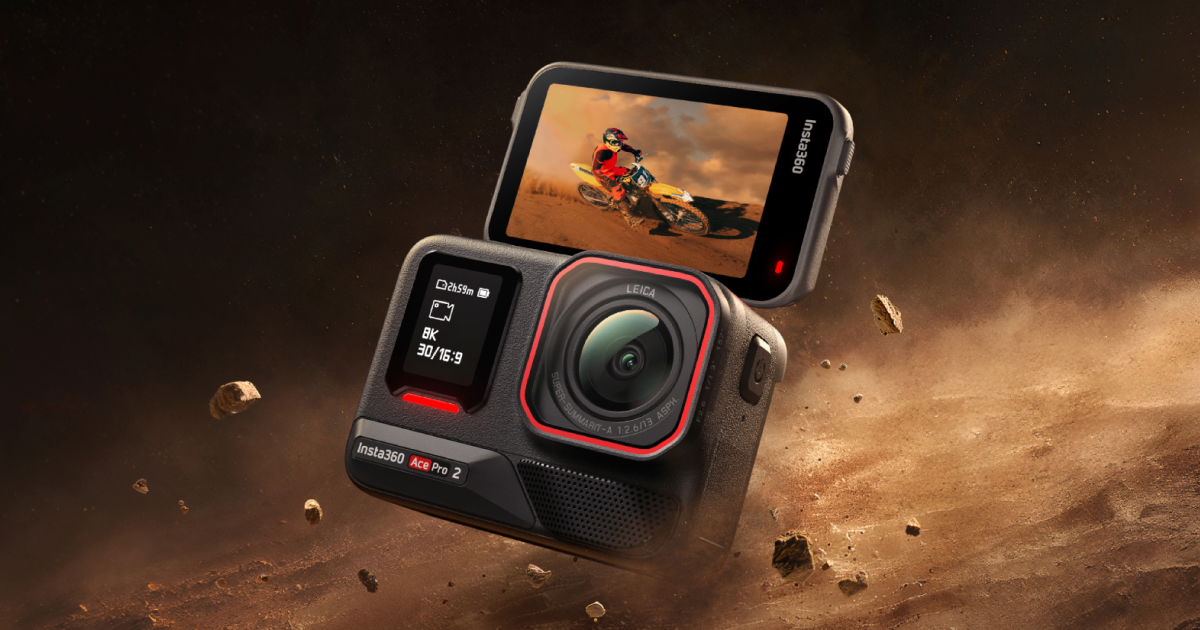 LISTING VIDEOAce Pro 2
For traditional wide-angle walkthroughs, property projects, field inspections, and low-light filming.
View Ace Pro 2Use ClickPoint affiliate code INRSGWY3FF8 at checkout.
Choose the tour before the camera
A 360 camera captures the rooms; the tour platform connects those images into a walk-through, hosts the finished tour, and may create floor plans or other marketing assets. Start by deciding where the tour must appear—your MLS, website, Zillow, Matterport, social media, or a client portal—then confirm current camera compatibility before buying hardware.
The practical agent choices
For most agents, an Insta360 virtual-tour bundle offers the strongest balance of portability, image quality, and platform flexibility. The X5 is the premium everyday choice; the X4 is the value step-down; and the X3 remains a sensible entry point when price matters more than the newest low-light performance.
- Insta360 X5: best overall for an agent who will also create 360 video and social content
- Insta360 X4: strong value for tours without paying for the newest model
- Insta360 X3: affordable entry point for occasional listing tours
- RICOH THETA X or Z1: simple, real-estate-focused capture workflow
- Matterport Pro3: professional LiDAR capture for scanning businesses, large spaces, and higher-accuracy work
Budget for the whole workflow
The camera is only the first cost. Compare the tripod or stand, spare power, protective case, tour-platform subscription or per-tour fee, floor-plan charges, hosting limits, MLS rules, branding removal, export rights, and the time required to scan and process each property. A lower camera price can lose quickly to a platform that does not fit your volume.
A repeatable listing-day process
Charge and update equipment before leaving, confirm platform access, place the camera near eye level, capture consistent positions with clear sightlines, hide yourself and personal information, watch mirrors and windows, and verify every room before leaving. Keep the tour factual: virtual content should not conceal defects, change permanent features, or create a misleading impression of the property.
How the camera earns its keep
Use the same capture session to produce an interactive tour, floor-plan option, still-image angles, short social clips, seller reporting, remote buyer previews, rental documentation, and property-management records when the platform permits it. The return is not just one flashy listing—it is a repeatable service that wins presentations and reduces wasted showings.
This guide may contain affiliate links or codes. ClickPoint may earn a commission at no added cost to you. A commission does not determine our recommendation.